Nautix ACT · Conversation to action

Don’t just answer. Get it done.

ACT reads the conversation, checks your systems and takes the next step: posts the payment, books the visit, opens the claim. It works inside rules you set, and hands over to your team when it shouldn’t act.

Acts only through tools you switch onHands off with a written summaryEvery step logged
Customer smiling at her phone as her request is resolved in the chatSOLVED · NOT JUST ANSWERED
I paid KES 4,500 this morning but my account still says unpaid.
  1. Understood · Payment not showing · calm
  2. Checked · M-Pesa code QJK7H2 · account 10482
  3. Decided · Match found, within the rules
  4. Acted · Payment posted · receipt sent
Solved by ACT in 40 s
Payment found · posted to the accountTechnician booked · Thursday 2pmClaim #C-2193 opened · assessor bookedInvoice INV-7741 sent · KES 182,500PIN reset · confirmed on WhatsAppHanded to billing · summary attachedStamp added · 8 of 9Reply sent in Kiswahili
Why answering isn’t enough

Your bot replied. The work is still waiting.

Customers don’t want a conversation. They want the payment found, the visit booked and the claim opened, and most automation stops before that.
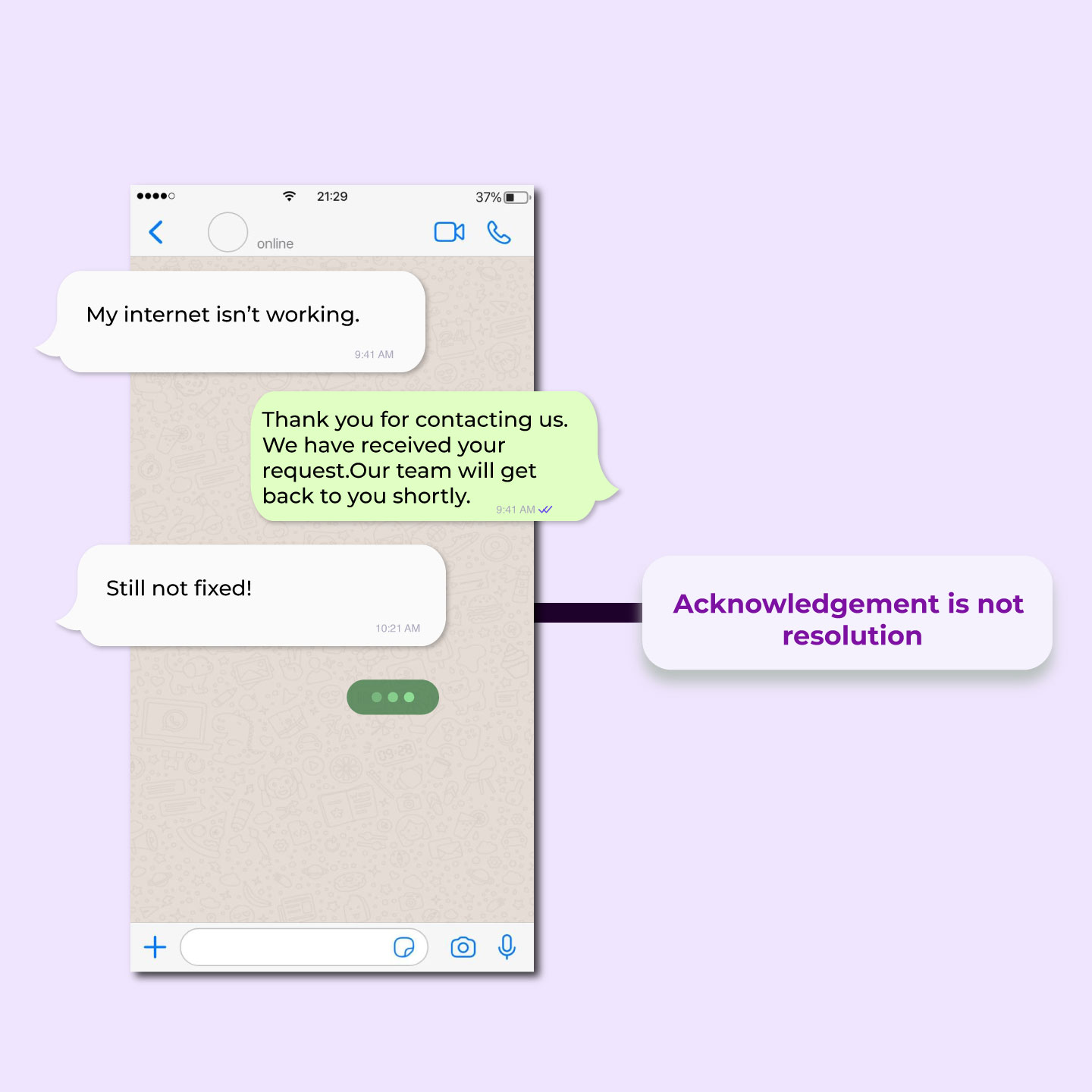
A chat where a bot acknowledges a fault but nothing gets fixed
GAP 01Bots that only answer“Thank you, our team will get back to you.” The customer wanted the outcome, and the work is still waiting for someone.
ACTACT checks your systems and finishes the job: the payment posted, the visit booked, the ticket opened.
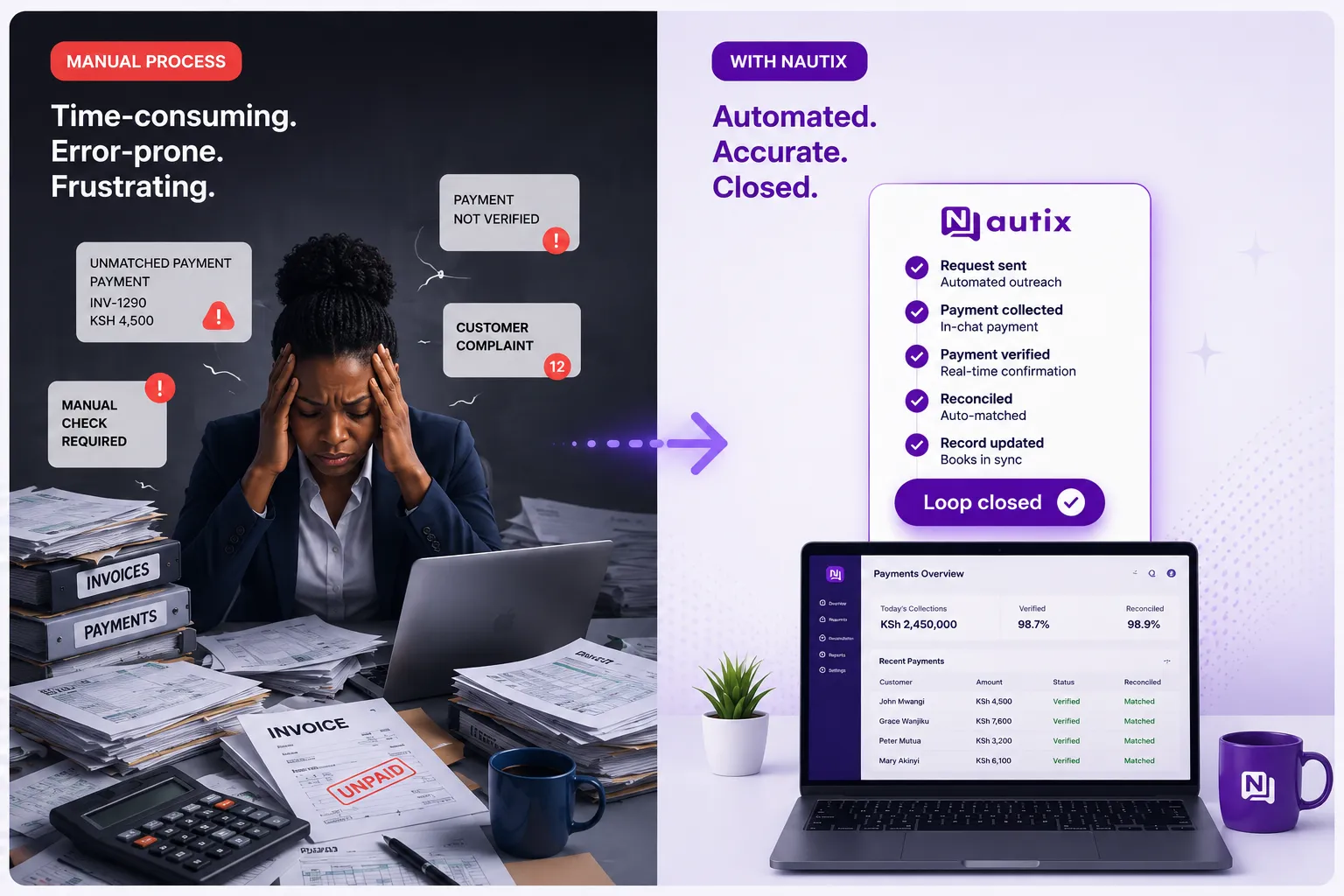
A woman buried in paperwork next to the same process closed automatically
GAP 02People re-keying every stepSomeone reads the chat, opens three systems, copies details across and types the reply. Every case, all day.
ACTACT takes the action through your connected tools, and your team only sees the cases that need judgement.
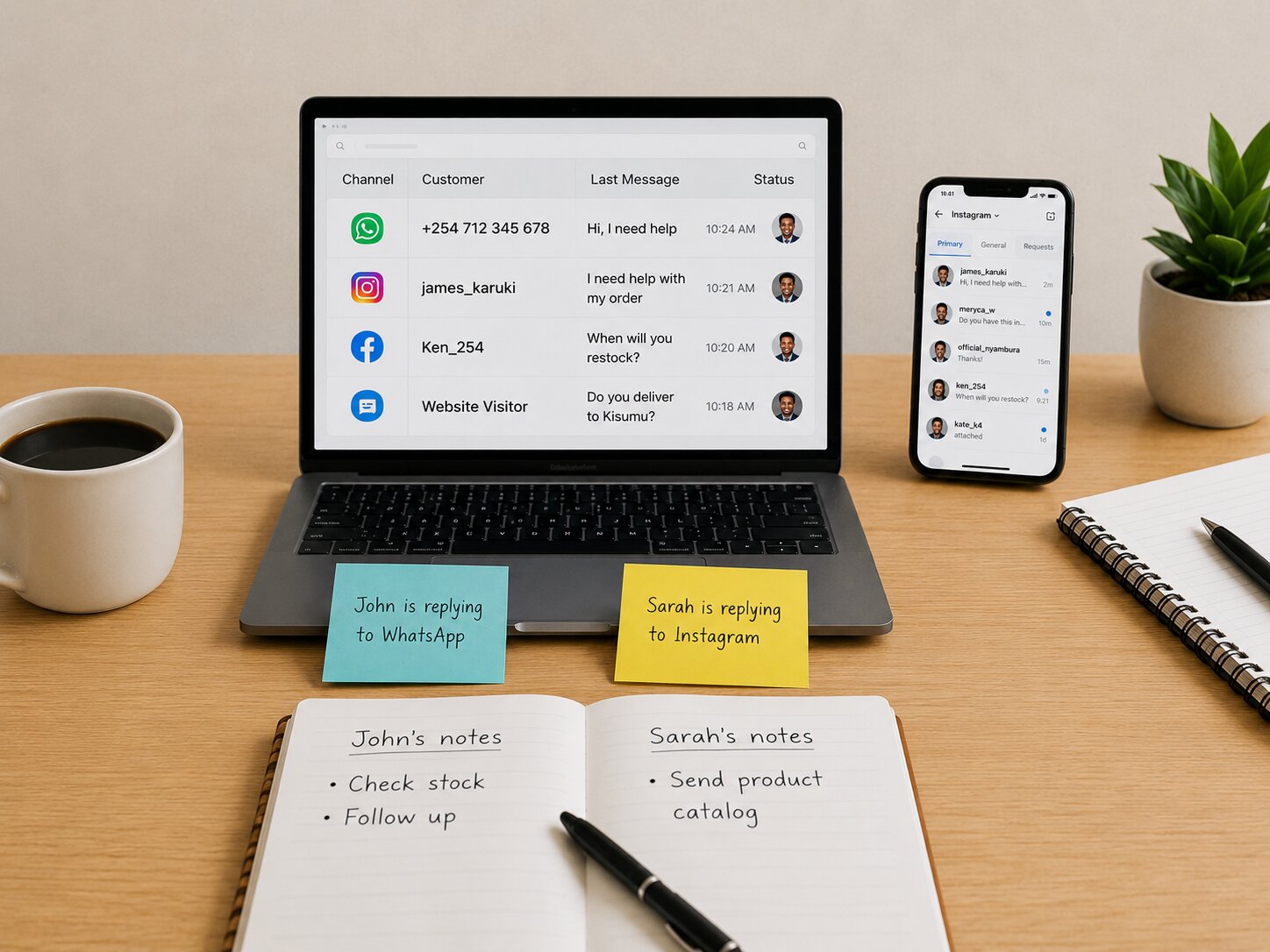
Scattered notes on a desk, with no shared record of what happened
GAP 03Automation nobody can checkWhen a bot gets it wrong, nobody can say what it read, what it decided or why. So nobody trusts it with real work.
ACTEvery step ACT takes is logged: what it understood, which tools it used and why it handed off.
How ACT works

Understand, check, decide, act, or hand off.

The same five steps run on every conversation. Pick a sector to see what ACT read, which systems it checked and what it did.

Business customer checking her internet fault update on WhatsAppNETWORK FAULT AGENTCustomer · WhatsAppInternet is down at our Westlands office.
What ACT didDiagnose outages and dispatch fixes at subscriber scale.
  1. 01UnderstandOutage report · business customer · urgent
  2. 02ContextSplynx account · SmartOLT line test · open incidents
  3. 03DecideNearby lines are down too: it’s the area outage, not this line
  4. 04ActTicket #4821 opened and linked to INC-12 · duplicates merged
  5. 05Hand offNOC already owns INC-12, so no hand-off needed
Reply sent by ACTYour line shows a signal loss and nearby lines are affected too. Ticket #4821 is linked to the area outage, and I’ll update you here.
Rule: Area-wide outages go to the NOC

AI agents that work every shift. Use ours or build your own.

Quote & Pay Agent
Quotes from your catalog and collects payment
Sell
40 iron sheets to Thika, how much?
KES 38,400 with Saturday delivery. Sending your M-Pesa request.
Sends the quoteSends M-Pesa linkConfirms payment
Hands off to Sales leadwhen an order is above your approval limit.

Build your own agent

Describe the job. ACT plugs it into your modules.

01
Generate with AI
Describe the agent’s purpose. ACT writes the prompt and plugs it into the modules and tools it needs.
02
Use a template
Start from best-practice agents for sales, support and more.
03
Start from scratch
Set the system prompt, tools, iterations and thresholds yourself.
Execution profiles:FocusedBalancedAutonomousCustom
Generate with AI
Inside an agent

You set the rules. ACT works inside them.

Every agent has the tools it may use, the knowledge it answers from, the moments it must hand over and how far it may go alone. Try changes with a dry run before they go live.

Claims Intake AgentActiveFirst notice of loss in minutes, on SLA.
Tools & knowledgeSwitch on the tools it may use and the knowledge it answers from.
Allowed toolsACT can only use what is switched on here.
  • Integrations & APIPolicy lookup
  • SupportClaim ticketSLA tracking
  • AppointmentsNearest branchBook assessor
  • Team InboxHand off to claims
KnowledgeAnswers come from these, and nowhere else.
  • Motor policy wording
  • Claims FAQ
  • Branch list and hours
Handles
Report an accidentClaim statusBook an assessorPolicy questions
Routing: Semantic intent, with tool evidence
People in charge

AI first. Your team owns the hard calls.

ACT does the routine work and asks before anything above your limits. Refunds, disputes and upset customers go to a person, with the evidence already gathered.

Team member reviewing the steps ACT took on a customer’s caseASKS BEFORE IT ACTS ABOVE LIMITS
Pending approvalRefund · Samuel K.Refund KES 12,000 for a double charge on 2 OctAbove the KES 5,000 refund limit, so ACT asked first
  • Two M-Pesa payments, same amount, 3 minutes apart
  • One order on the account
  • Customer is a VIP
ApproveEditHand to billing
Approved actions onlyACT uses only the tools and rules you switch on, per agent.
People own the hard callsRefunds, disputes and upset customers go to your team, with a summary.
Your knowledge, your answersAnswers come from content you control and update, not the open web.
Limits on every replyExecution profiles cap how many steps and changes ACT can make in one go.
Tested before it’s liveValidation and dry runs show what a change would do, before customers see it.
Every step is loggedOpen any conversation to see what ACT read, decided and did.
What ACT connects to

It acts where your work already lives.

See all modules
Nautix modulesSales & CRM, Catalog & Payments, Support, Appointments, Loyalty and the Team Inbox.
PaymentsM-Pesa and Paystack: payment links, confirmations and lookups.
ISP systemsSplynx accounts and billing, SmartOLT line checks.
WorkflowsStart a workflow from a conversation, or let a workflow call ACT.
Your systemsCore banking, policy or order systems through the API and webhooks.
ChannelsWhatsApp, Instagram, Messenger and your website chat.
FAQ

ACT questions.

What teams ask before they let AI take real actions for their customers.

ACTStill have a question?

Ask ACT, running on this site, or walk through one of your workflows with our team in a 20-minute Workflow Review.

A chatbot answers from a script. ACT reads the conversation, checks your systems and takes the next step through the tools you allow: it posts the payment, books the visit or opens the ticket, and tells the customer what it did.

No. Each agent only has the tools you switch on, and execution profiles limit how many steps and changes it can make in one reply. Actions above your limits wait for a person to approve them.

When your rules say so: an angry customer or cancellation risk, low confidence, a safety or privacy risk, an unclear account, a tool that fails after a retry, or a customer who asks for a person. It hands over with a written summary.

No. Describe the job and ACT generates the configuration, or start from a template. You review the tools, rules and hand-offs, try it with a dry run, then switch it on.

Quality checks track successful outcomes, avoidable hand-offs, missing information and tool success for each agent. ACT suggests changes from what went wrong, and you apply or dismiss them.

Start with one workflow

Give ACT one workflow.

Pick the request your team handles most. We’ll configure an agent around it with your rules, run it with your team and show you what it finished.

Free trialNo card requiredOfficial WhatsApp Business Platform
ACT · completed actions0 of 4 done
“I paid but it’s not showing”ACT is on it
“Internet is down at our office”
“Same order as last week, 50 cartons”
“I was charged twice”