
Booked, confirmed and reminded.All in the chat.
Your customers already have WhatsApp open. Let them book a slot there, pay a deposit if you ask for one, and get a reminder before the day, while your diary and your staff stay in sync automatically.
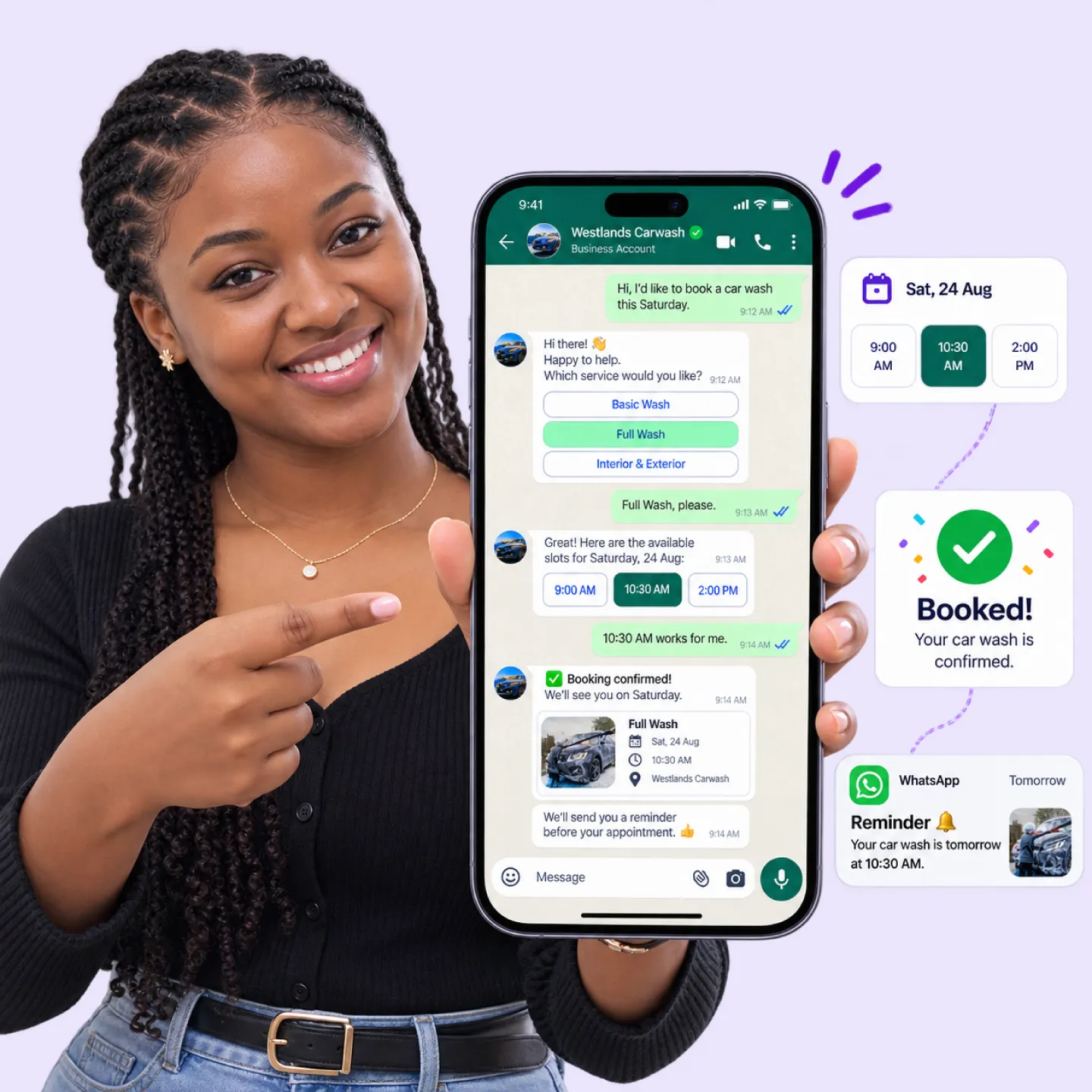
Booking by phone and DM leakstime, slots and no-shows.
Customers call when you are with someone else, message at midnight, and go quiet when you ask them to call back to confirm. Slots sit empty because a cancellation never got filled, and staff arrive to a day that does not match the diary. Every gap is revenue that walked out the door.
Booking happens when you cannot answer
The call comes mid-appointment or after hours, so it goes unanswered and the customer books with someone who picked up.
No-shows and empty slots
Nobody confirmed, nobody was reminded, and a cancelled slot stayed empty because no waiting customer was told it opened up.
The diary and the team drift apart
Bookings live in a notebook, a phone and someone's head at once, so double-bookings and missed appointments are routine.

Ask, offer, confirm,remind.
The customer never leaves the chat, and your diary is right every time.
Customer asks for a time
They message to book, and Nautix understands what they want and which service it maps to, in their own words.
Nautix offers real open slots
It checks the live diary and staff availability, then offers only times that are genuinely free, with a deposit request if you use one.
The slot is confirmed and assigned
Once they pick, the appointment is booked, the right staff member is assigned, and the customer gets an instant confirmation in the thread.
Everyone is reminded before the day
Nautix reminds the customer ahead of time and offers a one-tap reschedule, so fewer slots are wasted and the team knows what the day holds.
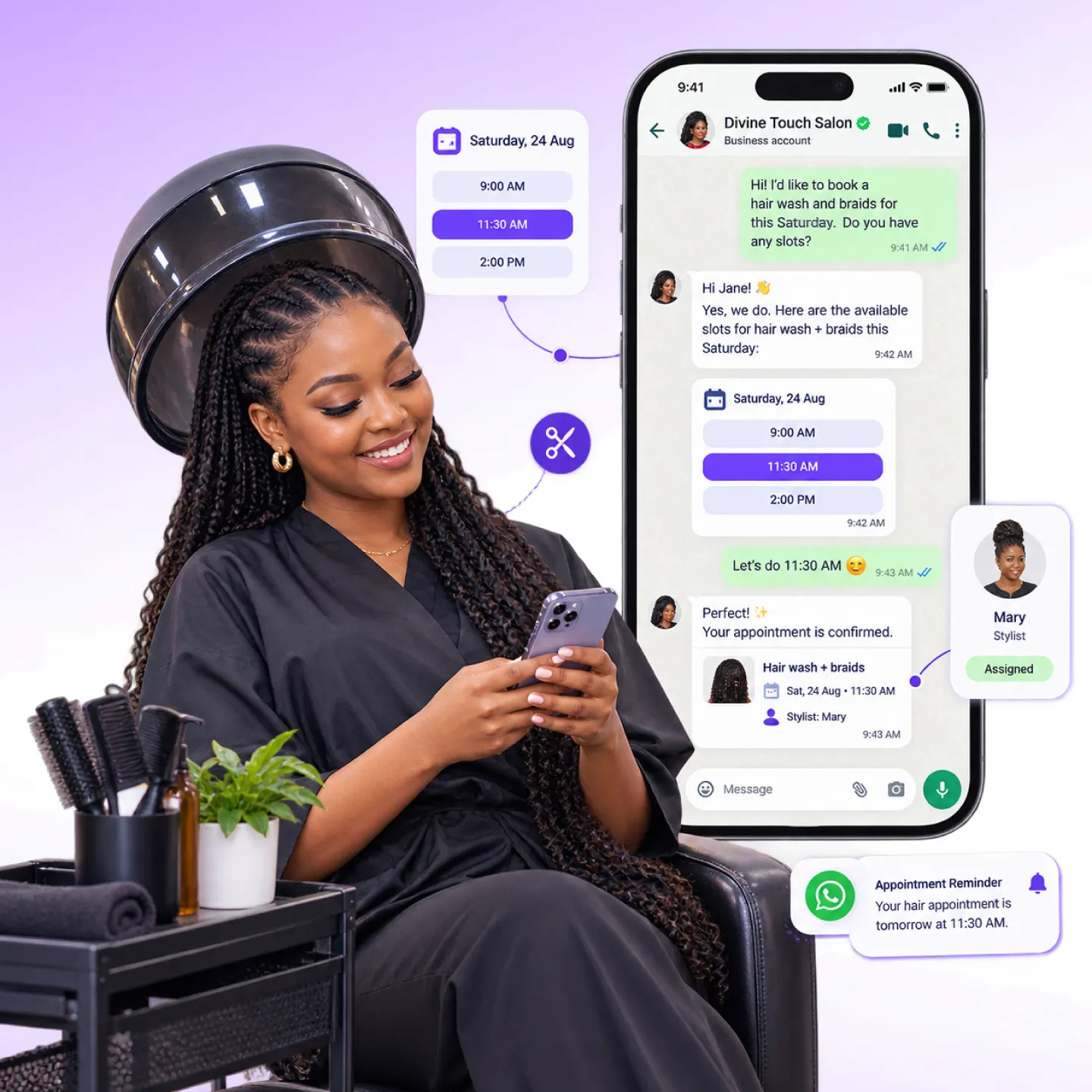
What WhatsApp bookingdoes
Live diary check
Offers only slots that are actually free, so double-bookings do not happen.
Deposits at booking
Takes a deposit when you ask for one, so a booked slot means a committed customer.
Staff assignment
Routes each appointment to the right person and tracks who is booked when.
Automatic reminders
Nudges the customer before the day and offers a one-tap reschedule.
Waitlist fill
When someone cancels, the freed slot is offered to a waiting customer automatically.
Booking visibility
See which services, staff and times fill up, and which sit empty.

What managed bookingdelivers
Bookings handled without tying up the phone
Slots bookable at any hour, answered instantly
To reschedule instead of a silent no-show
Frequently askedquestions


Turn every enquiry into a confirmed appointment.
See how WhatsApp booking checks your diary, takes deposits, assigns staff and reminds everyone, without a single phone call.
No credit card · 15-day free pilot · Cancel anytime